 web
web Deployed just now


A Railway alternative PaaS.
Connect a repository and operate the service from the console, API, or CLI.
MISSION CONTROL
Every service, database, deployment, and environment stays in one calm, legible system.
web  api
api  worker
  users-db
  cache
cache From a Git push to a running service with a database behind it—the whole path, built in.
Connect a repository and push. We build, run, check health and roll out your app.
Replicas, logs, live metrics, deploy history and health in one project view.
Create isolated pull request environments without maintaining a second platform.
Attach your hostname and follow DNS and certificate status from the same console.
Provision PostgreSQL, MySQL, Redis, MongoDB or Kafka and keep building.
Multi tenant pub/sub over a single WebSocket. Pay only for the data you send.
Build. Launch.
Stay in orbit.
You bring the product. Unbroker keeps the infrastructure moving beneath it.
GIT PUSH TO PRODUCTION
Push your code and Unbroker builds and deploys it with health checks. Use the console or automate the same workflow with the CLI.
$ ubctl apps deploy <serviceId> --wait
→ Deployment queued
→ Runtime: Node.js 22
→ Installing 428 packages 2.8s
→ Building production bundle 8.4s
 Deploying…✓ Deployment <deploymentId> → live
  web.apps.unbroker.cloud   nyc3   124 ms

$

CONFIGURED CAPACITY
Set CPU, memory and replica count per service. Traffic spreads across the replicas, and the bill follows the capacity you configured, not a whole machine you had to guess at.
Any coding agent with a terminal can operate Unbroker through ubctl.
$ curl -fsSL https://raw.githubusercontent.com/unbroker-app/ubctl/main/scripts/install.sh | bash  Claude CodeCodexCursor
 Gemini CLI
 OpenCode
Read project configurationFound nimbus / web
Bash(ubctl apps deploy … --wait)Deployment queued successfully
Waiting for deploymentbuilding → deploying
The agent uses your authenticated CLI context. You keep the same audit trail and deployment history.
$ ubctl apps deploy <serviceId> --wait
queued…  building…  deploying…
Deployment <deploymentId> → live

$ ubctl apps services get <serviceId>
status    live
region    nyc3
domain    web.apps.unbroker.cloud
Explore the ubctl docs →
Choose the engine, version, region, size, and node count. Unbroker handles provisioning while you keep control.

Relational database

Reliable OLTP

Cache and queues

Flexible documents

Streaming platform
CLOUD SERVERS
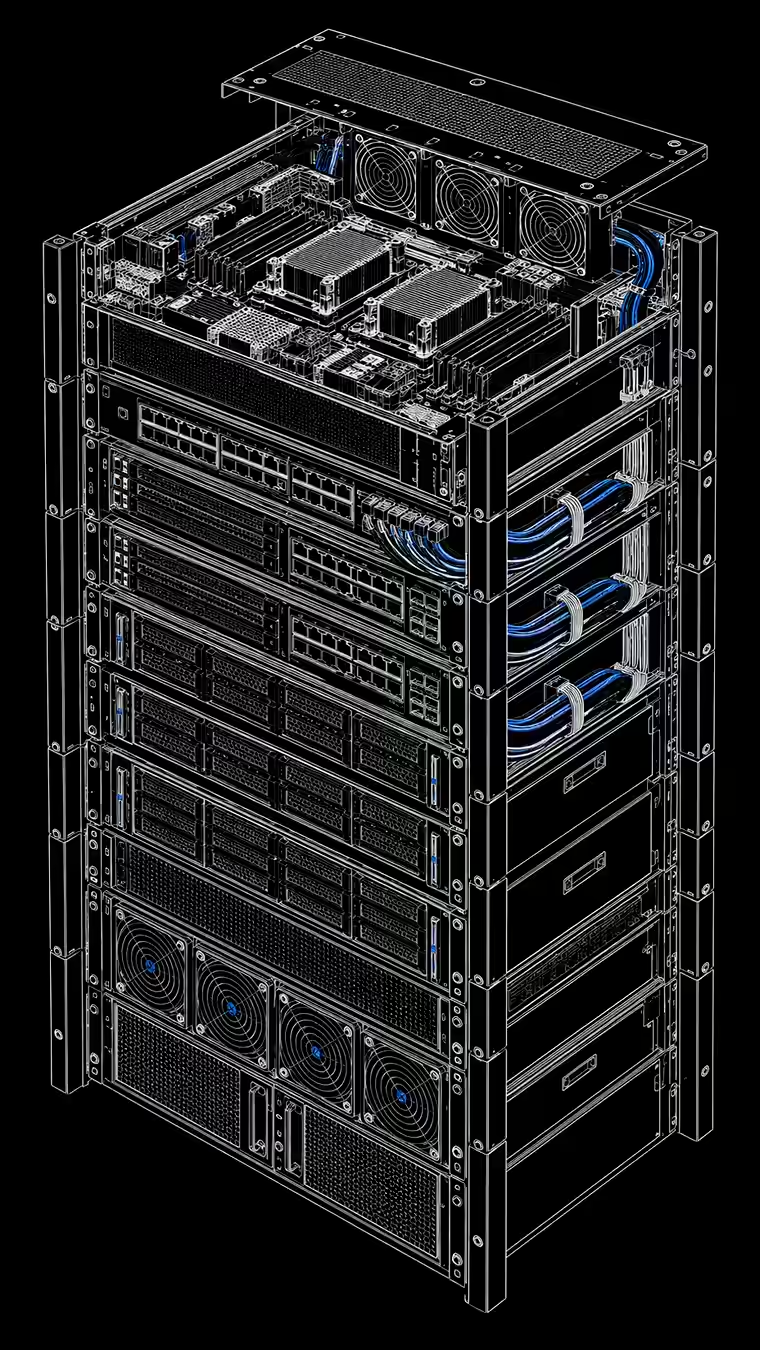
When a workload needs the operating system itself, rent a Linux cloud server. Root access, your choice of distro, and unlimited traffic, from $17.95 a month on Pro.
The same price in every region.
Included at no extra cost.
Self-hosted GitHub Actions and GitLab runners with the cores, cache and disk your pipelines want.

Run a Compose stack or any container layout exactly the way you already have it.

Bring up k3s or a full cluster on machines you size and control.


Keep Prometheus and Grafana on their own box, away from what they watch.

Nginx, a VPN endpoint or a custom edge with the network setup you need.

Tune PostgreSQL or ClickHouse yourself, extensions and kernel settings included.
PREVIEW ENVIRONMENTS
Open a pull request and Unbroker builds an isolated preview project next to production. Close it and the environment is cleaned up for you.
GLOBAL REGIONS
Choose a supported provider region for cloud servers and managed databases. Availability depends on product and plan.
Plus 5 more regions across Europe, North America, and Asia.
Drag to explore
ONE CONTROL PLANE
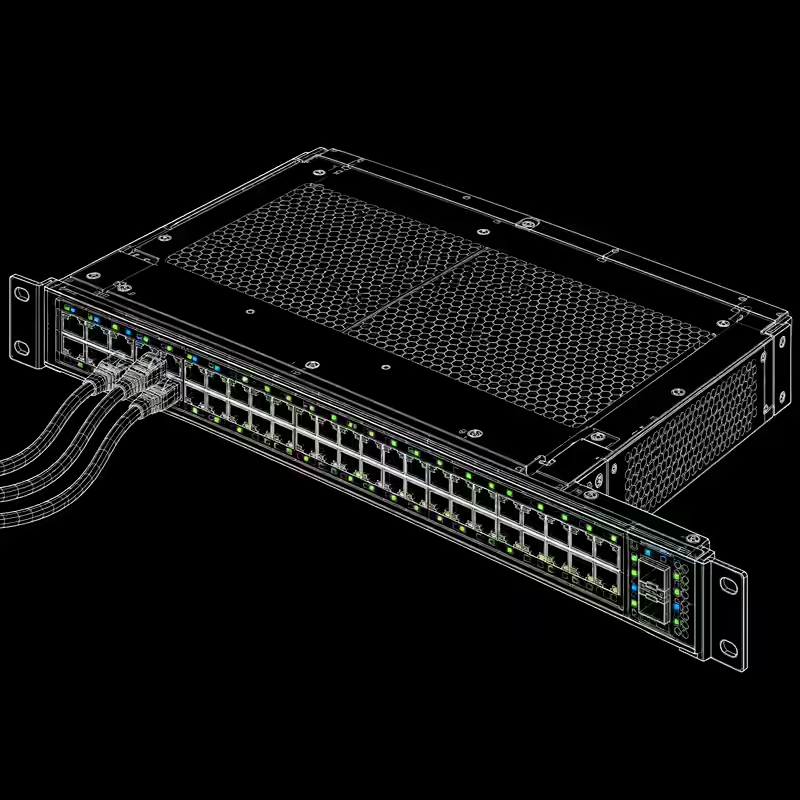
Unbroker brings the operational path together so your team can spend less time maintaining the platform around the product.
CI scripts and deploy glue
Logs, metrics and service health
Domains, TLS and public endpoints
Provisioning and connection management
One account. One workflow. One readable bill.
RECENTLY SHIPPED
A secure agent harness for any VPS. Give Codex or Claude access to files, terminals, source control, and the context needed to finish real work.
Files, assets, and team context in one secure workspace.
Move between Cloud, Studio, and Drive with the same team and session.
Deploy from your repository. Keep your API, database and deployment logs in one project.
Read guideDeploy a Next.js server from Git. Configure build scripts, runtime variables and pull request previews on Pro.
Read guideDeploy FastAPI from a Dockerfile. Connect PostgreSQL and inspect build output and runtime logs.
Read guideDeploy an API and connect PostgreSQL in Unbroker. Compare Apps database nodes with provider-managed clusters.
Read guideUse the Unbroker CLI and ubctl-ops skill to inspect projects, deploy applications and diagnose failures from a coding agent.
Read guideBuild a Dockerfile from your repository or deploy a prebuilt image. Configure ports, environment variables and storage.
Read guideConnect a repository and create your first managed deployment.