Autoscale on CPU, memory, or both
Services can now scale replicas automatically, and you only pay for the replicas that are running.
Turn on Autoscale in a service’s Scale tab and pick a minimum and a maximum number of replicas. Unbroker adds replicas when load goes up and removes them when it goes down. Your plan sets how far a service can scale; the dashboard shows the limit next to the maximum.
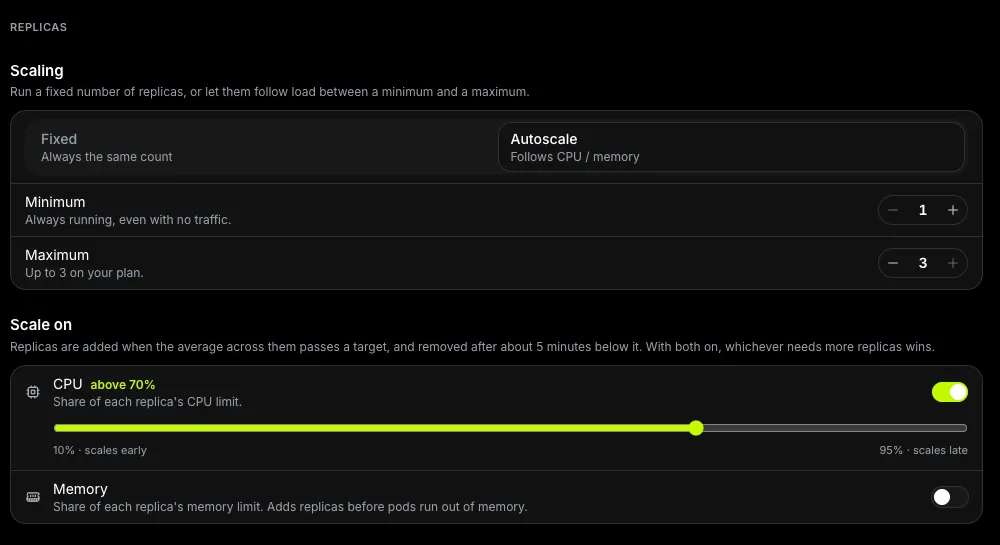
Choose what triggers a scale
Scale on CPU, on memory, or on both. Each trigger has its own target as a percentage of the per-replica limit, and when both are on, the one asking for more replicas wins.
Billing follows the autoscaler
You are billed for the replicas actually running, not for the maximum. The Scale tab shows a monthly estimate as a range while autoscaling is on.
Read more in Scaling replicas.